
An AI LinkedIn post generator that sounds like you
The best way to generate LinkedIn posts with AI is not a one-line prompt. It's giving the AI real source material: a conversation about your actual work, training on your voice, and a human review step before anything goes out. That's exactly how Postbeam's Marv works.
Talk to Marv for 15 minutes, get drafts written in your voice, then review, edit, and schedule. Nothing publishes without your approval.
7-day free trial. Unlimited posts. Official LinkedIn partner APIs.
How Marv generates posts
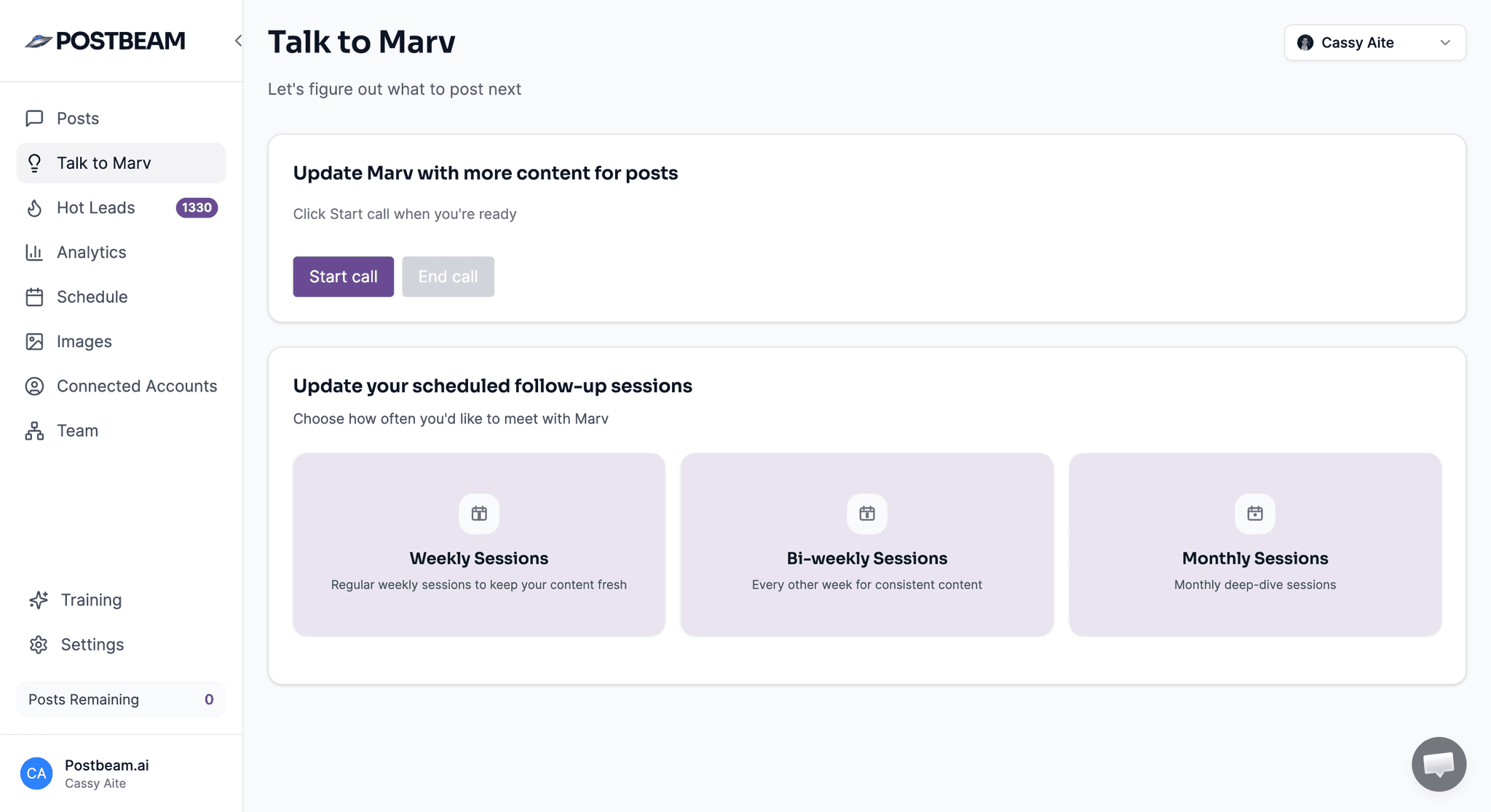
Marv doesn't ask you to write a prompt. He asks you about your work, then does the writing.
Have a 15-minute conversation
Talk to Marv about what you're working on, what you've learned, what your customers ask. No blank page, no prompt engineering.
Marv pulls out post ideas
He finds the stories, opinions, and lessons in what you said that are actually worth posting.
Drafts written in your voice
Marv is trained on your content: your mission, your audience, and your format rules. The drafts sound like you, not like a template.
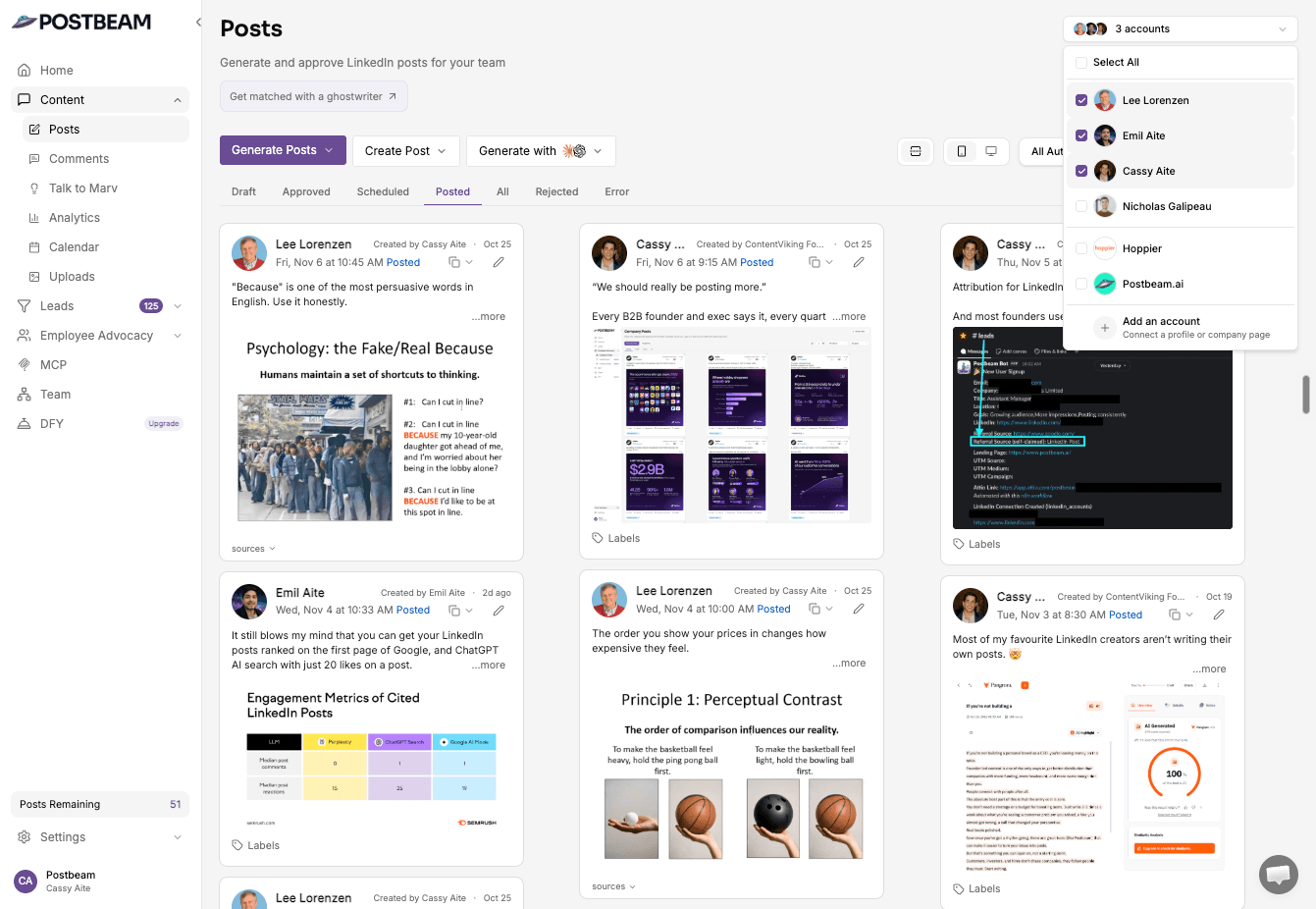
Review, edit, and schedule
Every draft waits for your approval. Edit anything, then schedule it. Nothing publishes automatically.
Why most AI post generators produce the same post
Type a one-line prompt into a template generator and you get the same post everyone else got, because the AI knows nothing about you. Real source material is the difference.
| Generic template generators | Postbeam | |
|---|---|---|
| Input | A one-line prompt | ✓A real conversation about your actual work |
| Output | Same-sounding templated posts | ✓Drafts built from your stories and opinions |
| Voice training | None | ✓Trained on your mission, audience, and format rules |
| Approval workflow | Copy-paste and hope | ✓Every post is a draft until you approve it |
| Scheduling | None | ✓Built-in, via official LinkedIn partner APIs |
| Learning loop | No idea what worked | ✓Analytics on what performed, so the next posts get better |
Generate posts straight from Claude or ChatGPT
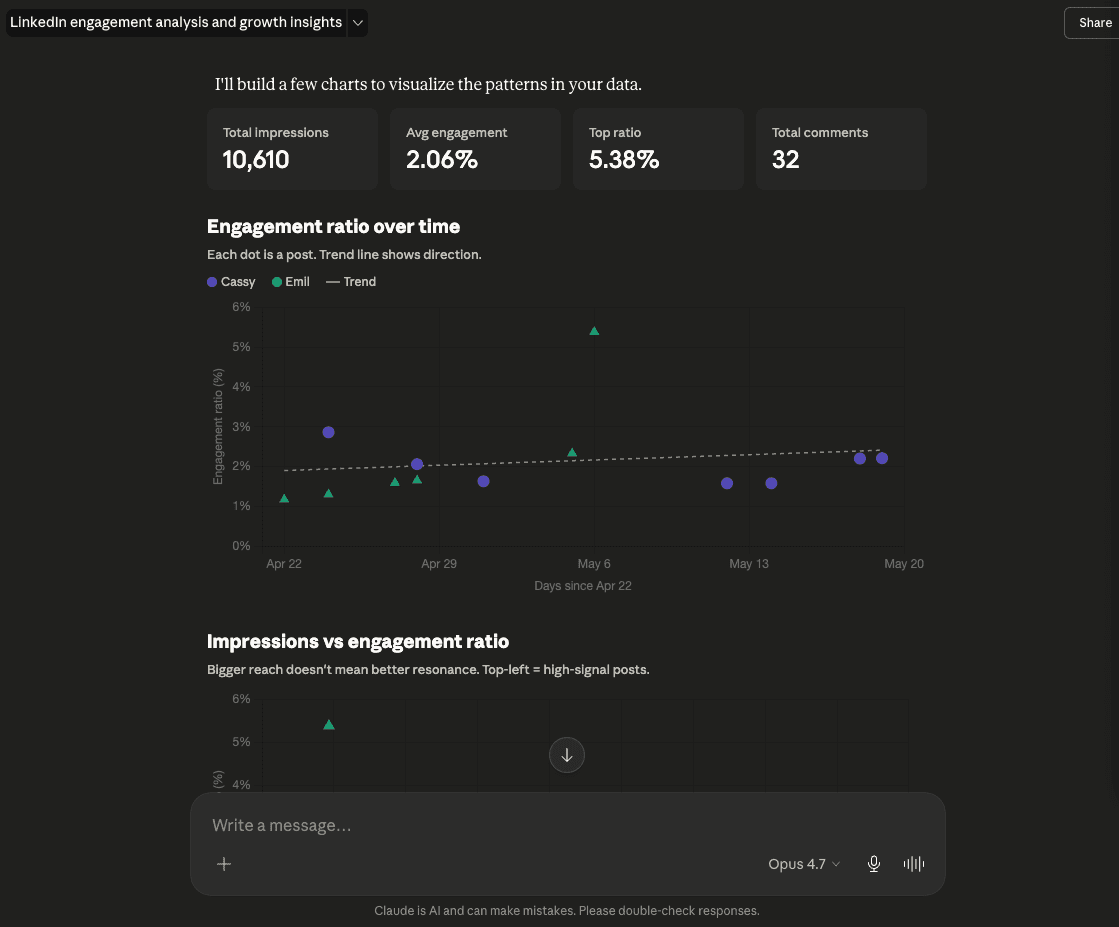
Already living in an AI assistant? Postbeam is officially listed in the Claude connector directory and the ChatGPT app marketplace. Install with one click, then ask your assistant to draft posts, and the drafts save into Postbeam for review and scheduling.
One-click installs. No API keys, no config files.
Drafts land in Postbeam. Generate in Claude or ChatGPT, then review, edit, and schedule in one place.
Same approval workflow. Nothing your assistant drafts publishes without you.
Free LinkedIn generators, no signup
Want to try AI generation before setting anything up? These tools are free and require no account.
LinkedIn Hook Generator
Generate scroll-stopping first lines for any post idea.
Try it free →Free, no signupLinkedIn Carousel Generator
Turn an idea into a slide-by-slide carousel outline.
Try it free →Free, no signupLinkedIn Bullet Points
Format clean, readable bullet lists for LinkedIn.
Try it free →Free, no signupLinkedIn Connection Note Generator
Write connection requests people actually accept.
Try it free →LinkedIn post generator FAQs
Is there a free LinkedIn post generator?
Yes. Postbeam has free generators you can use with no signup: a hook generator, a carousel generator, a bullet point formatter, and a connection note generator. For full posts drafted in your own voice, Postbeam itself comes with a 7-day free trial.
How do I make AI posts not sound like AI?
Give the AI real source material instead of a one-line prompt. Generic generators pattern-match to the same templates because they know nothing about you. Marv works from a real conversation about your actual work, plus training on your mission, audience, and format rules, so the drafts start from your ideas and your phrasing rather than a template.
Can AI write posts in my voice?
With the right setup, yes. Marv is trained on how you actually sound - your mission, your audience, and your format rules - and drafts from conversations with you rather than from a blank prompt. You review and edit every draft before anything goes out, so the final post is always yours.
Can I generate LinkedIn posts from ChatGPT or Claude?
Yes. Postbeam is officially listed in the Claude connector directory and the ChatGPT app marketplace. Install it with one click, then ask Claude or ChatGPT to draft a post - the draft saves into Postbeam, where you can review, edit, and schedule it.
Does Postbeam post automatically?
No. Nothing publishes without your approval. Every generated post is a draft until you review it and approve it, and publishing happens through official LinkedIn partner APIs.
What does it cost?
Solo is $49/month for one person. Team is $39 per user per month with a 2-user minimum. Both include unlimited posts and start with a 7-day free trial. Questions? Email team@postbeam.ai.
Generate posts that sound like you wrote them
Talk to Marv, get drafts in your voice, approve what you like. Unlimited posts, 7-day free trial.