
Automate your LinkedIn the safe way
How do you automate your LinkedIn? Automate the content side - AI-drafted posts in your voice, scheduling, approvals, and lead capture - through LinkedIn's official partner APIs. Skip the connection-and-DM bots that violate LinkedIn's terms and get accounts restricted. That's exactly what Postbeam does.
7-day free trial · Unlimited posts · No LinkedIn password required
There are two kinds of LinkedIn automation
Most advice about LinkedIn automation lumps them together. They're opposites - one gets accounts banned, the other is how professional teams run LinkedIn.
1. Connection and DM bots
Tools that scrape profiles, fire off automated connection requests, and mass-DM prospects, usually by piloting your account through a browser extension. LinkedIn's terms prohibit them, its detection systems look for them, and the accounts running them get warned, restricted, or banned.
2. Content automation via official APIs
Drafting, scheduling, publishing, analytics, and lead capture through LinkedIn's official partner APIs - the supported, compliant way to automate. This is what Postbeam does. No browser extensions, no session hijacking, and it never touches your LinkedIn password.
Postbeam automates your content engine, not your connection requests.
What you can automate with Postbeam
Everything between "I should post more" and a warm lead in your inbox - with you approving every post before it goes out.
AI drafting in your voice
Marv, Postbeam's AI, drafts posts that sound like you - not generic AI copy. You review, edit, and approve.
Scheduling and a content calendar
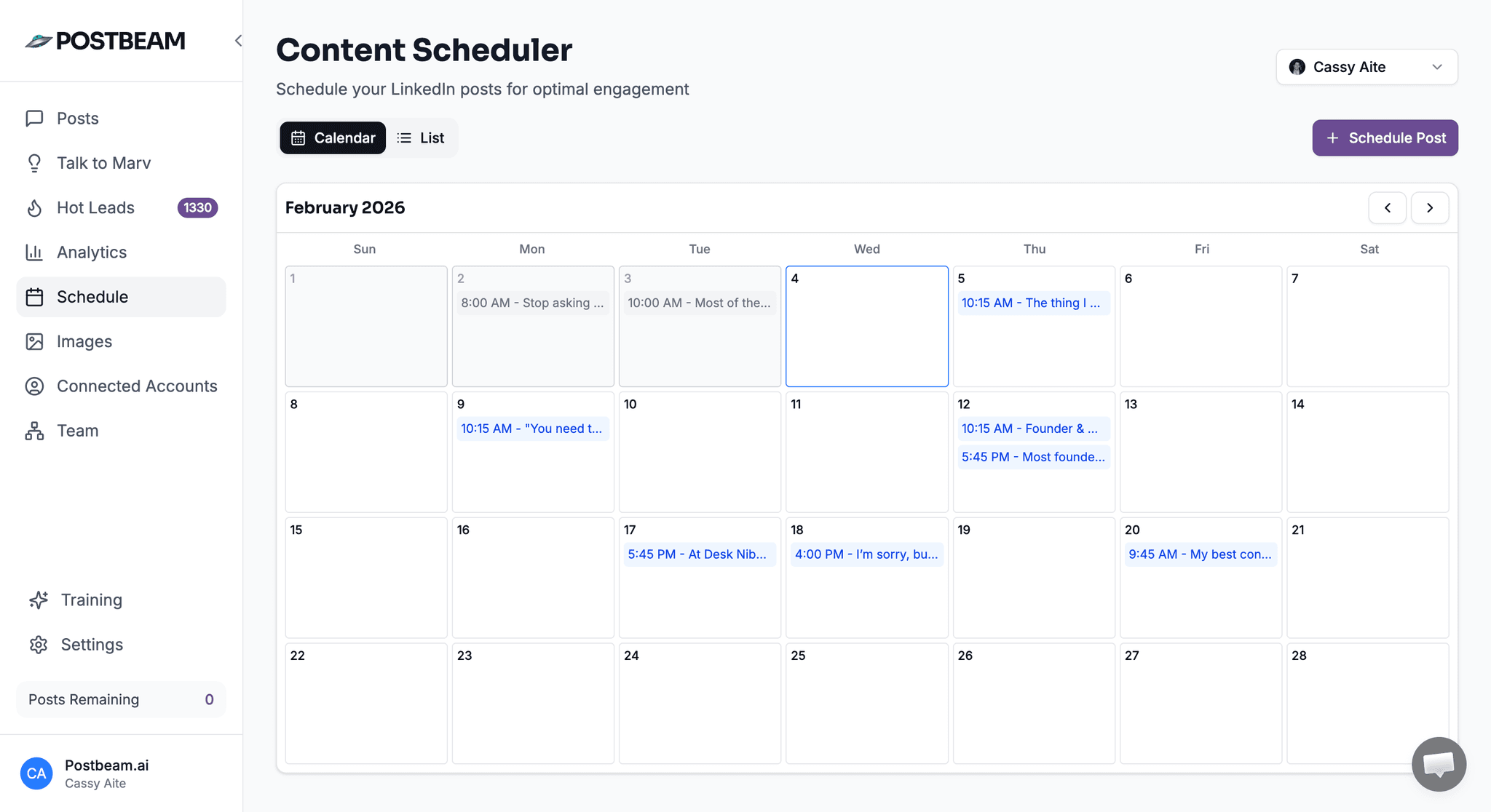
Queue posts to publish at your chosen times and see your whole month at a glance on the content calendar.
Approval workflows
Nothing publishes automatically. Drafts wait for approval, so automation never posts something you haven't seen.
Warm-lead capture from engagement
Postbeam surfaces the people engaging with your posts so you can follow up with warm context instead of cold outreach.
Slack notifications when teammates post
Part of the Employee Advocacy add-on: the moment anyone on the team posts, Slack gets pinged so everyone can engage, and a leaderboard tracks who engages most.
Recurring drafts via Claude or ChatGPT
Through the MCP connection, scheduled tasks in Claude or ChatGPT can drop fresh drafts and analytics reports into your queue every week.
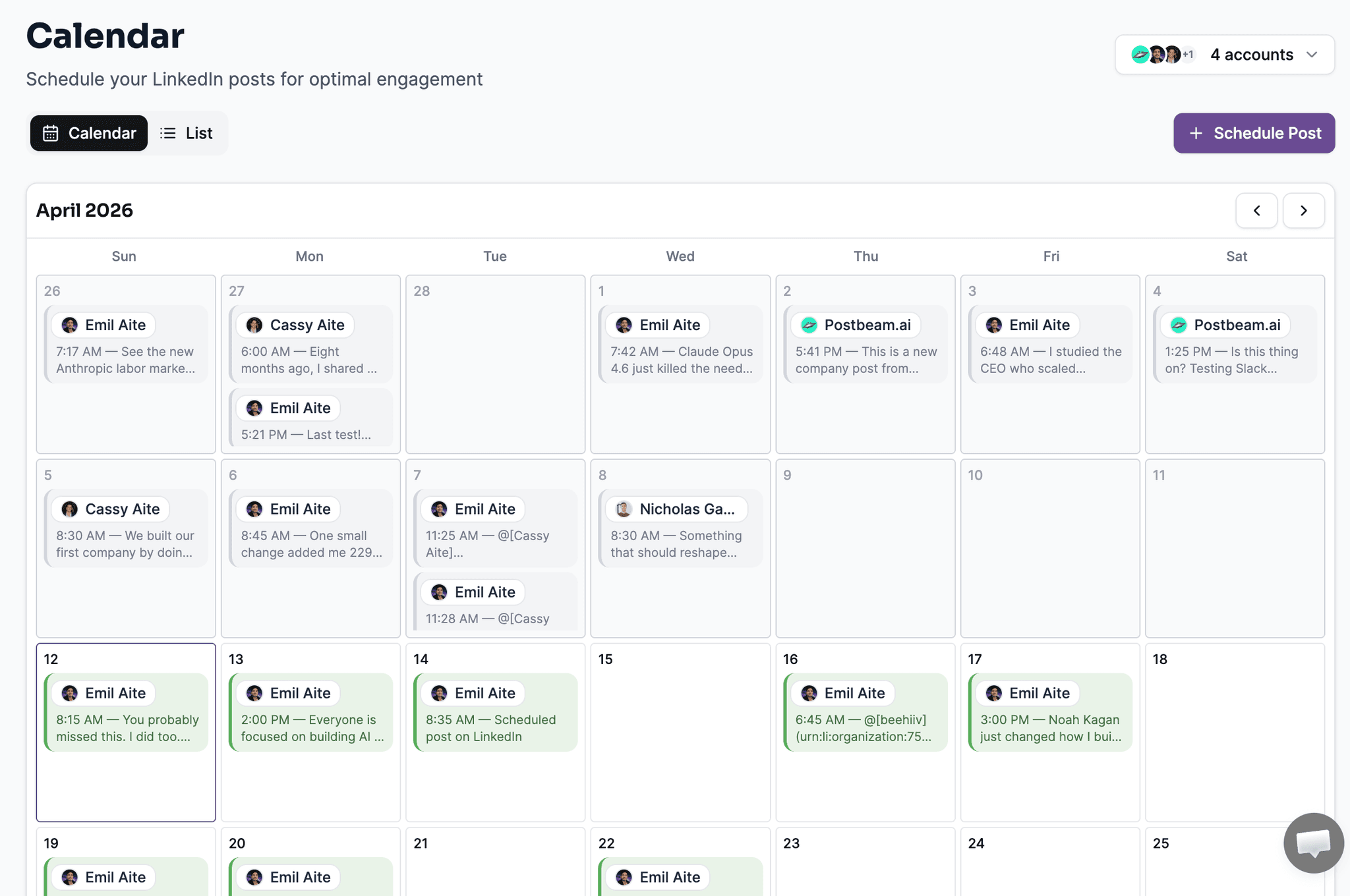
Your month of LinkedIn content, planned and scheduled
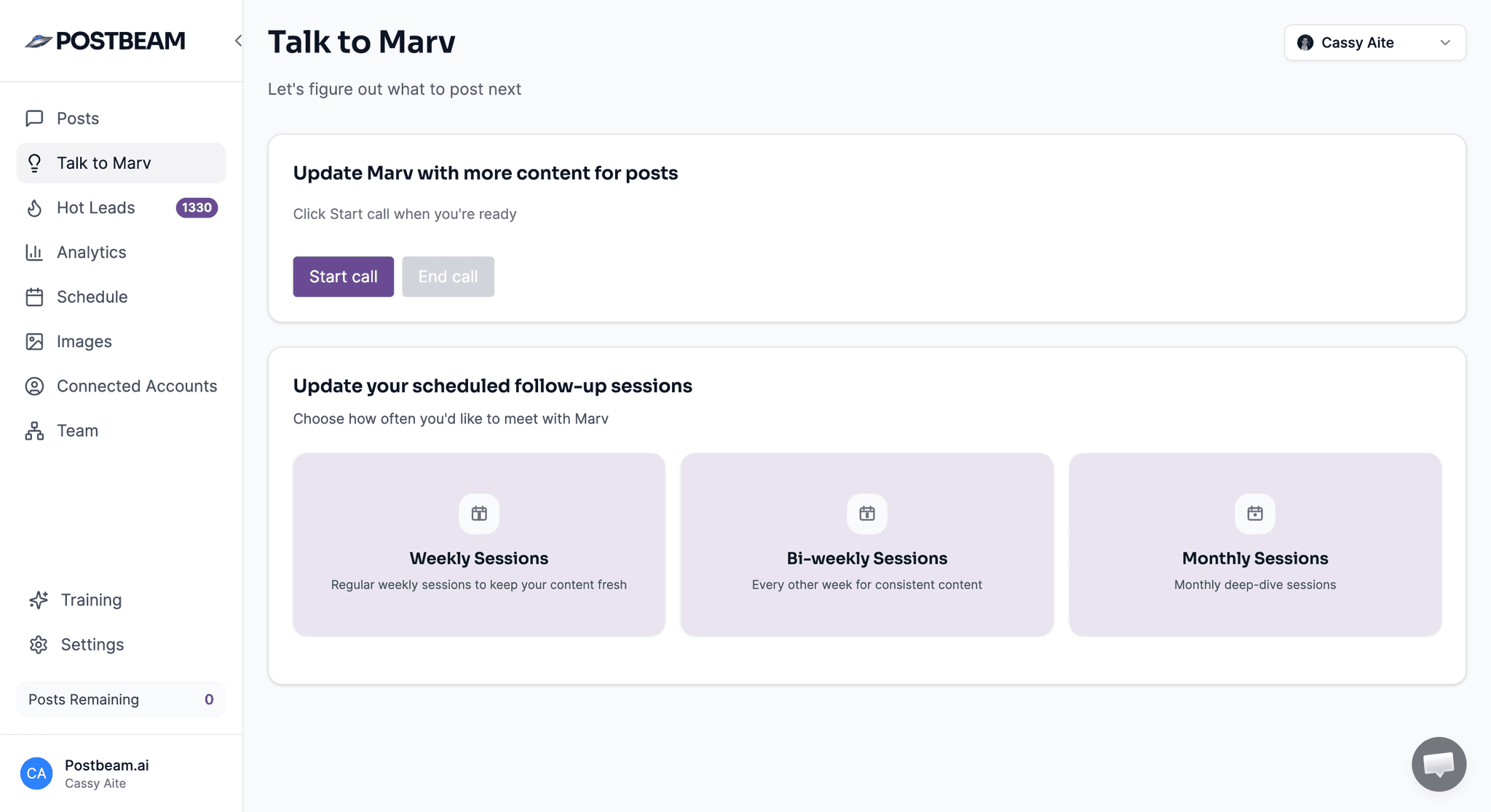
Marv drafts in your voice - you approve before anything posts
Safe automation vs. risky automation
Before you pick any LinkedIn automation tool, check which column it belongs in.
| Safe: official API tools (Postbeam) | Risky: bots and extensions | |
|---|---|---|
| How it connects | ✓Official LinkedIn partner APIs, authorized with OAuth you can revoke anytime | ×Browser extensions or bots that hijack your logged-in LinkedIn session |
| Your password | ✓Never touched - Postbeam has no access to your LinkedIn password | ×Often required, or the tool rides your session cookies instead |
| What gets automated | ✓Drafting, scheduling, publishing, analytics, and lead capture from engagement | ×Auto connection requests, auto DMs, and profile scraping |
| LinkedIn's terms | ✓Compliant - publishing via partner APIs is a supported integration | ×Prohibited - LinkedIn's User Agreement bans bots and scrapers |
| Account risk | ✓None from the integration itself | ×Warnings, restrictions, and permanent bans |
| Who approves posts | ✓You - nothing publishes without your approval | ×The bot - actions fire without you seeing them |
Questions about how Postbeam connects? Email team@postbeam.ai.
Simple pricing, unlimited posts
Solo
$49
per month
Team
$39
per user / month
Employee Advocacy add-on
$349
per month flat, up to 100 employees
Every plan starts with a 7-day free trial. See full pricing →
LinkedIn automation FAQ
Is LinkedIn automation legal or against LinkedIn's rules?
It depends entirely on which kind of automation you mean. LinkedIn's User Agreement prohibits scraping bots, automated connection-request tools, and software that pilots your account through a browser session - accounts using those tools risk restriction. Publishing and scheduling content through LinkedIn's official partner APIs is a different category: it is a supported, compliant integration. Postbeam only uses official partner APIs, connects via revocable OAuth, and never touches your LinkedIn password.
Can I automate LinkedIn posts for free?
You can try it free: Postbeam comes with a 7-day free trial with unlimited posts. After the trial, plans are $49/month for Solo and $39 per user/month for Team.
Can AI write my LinkedIn posts?
Yes. Postbeam's AI, Marv, drafts posts in your voice, so the output sounds like you rather than generic AI copy. Nothing publishes automatically - every draft waits for your approval before it goes out.
Can I automate LinkedIn from ChatGPT or Claude?
Yes. Postbeam connects to both with one-click installs - from the ChatGPT app marketplace and from the Claude connector directory. Once connected, you can draft, schedule, and pull analytics by chatting, and use scheduled tasks in Claude or ChatGPT to have recurring drafts and reports land in your queue automatically.
Will automation make my content generic?
Not if the AI is trained on you. Marv drafts in your voice, and because nothing publishes without your approval, you always get the final edit. Automation handles the drafting, scheduling, and follow-up logistics - the ideas and the final word stay yours.
Does Postbeam auto-connect or auto-DM people?
No. Postbeam automates content and lead capture - drafting, scheduling, approvals, and surfacing warm leads from the people engaging with your posts. It does not send automated connection requests or DMs, because those tools violate LinkedIn's terms and put accounts at risk.
Automate your LinkedIn without risking your account
AI drafts in your voice, a schedule that runs itself, and warm leads from every post - all through LinkedIn's official partner APIs.